SSO ID Registration
Feeling confused about how to use different government websites? Many people struggle with handling multiple IDs and passwords. Get rid of all these issues by completing SSO ID registration, which makes it easy by giving you one login for all services. It allows users to use eMitra, Jan Soochna Portal, and State Recruitment Portal to access more services. Just follow this simple step-by-step guide to register and save your time.
Who Is Eligible for SSO ID Registration
The following users can register for an SSO ID in Rajasthan:
Documents Required for SSO ID Registration
Different users need different documents to register for an SSO ID. Below are the main documents required for each group:
For Citizens
To register as a citizen of Rajasthan, you need at least one of these documents:
For Udhyog (Business Owners)
If you own a business, you need to provide:
For Government Employees
Government employees must submit:
Your SSO ID also helps you access important information through the Jan Soochna Portal, which shares public schemes, benefits, and government data.
SSO ID Rajasthan Registration via Website
Follow these steps to register for an SSO ID:
- Go to the official SSO ID registration page using the button below.
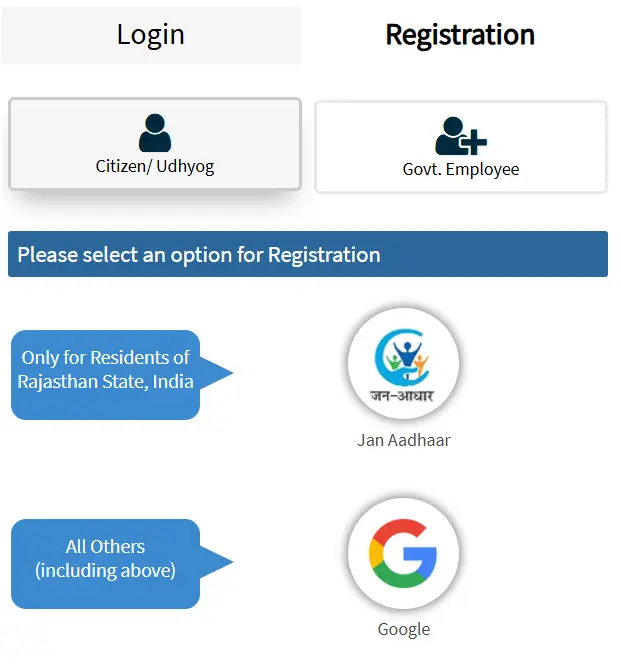
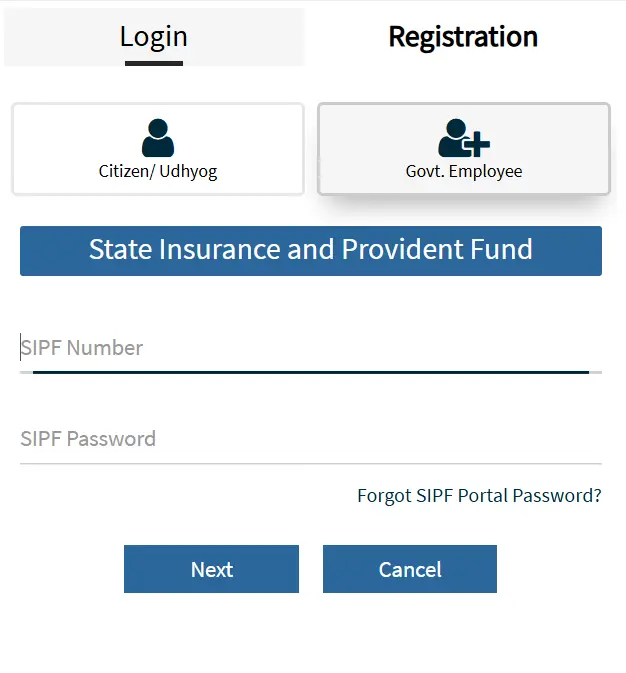
- Choose your account type from Citizen, Udhyog (Business Owner), or Government Employee.
- After selecting your user type, pick a registration method and provide the required documents based on that option.
- Enter your mobile number or email ID carefully so you can receive the verification code.
- Once you get the OTP, enter it and verify your account to continue.
- Now fill in the remaining details in the form and submit it to complete your registration.
After completing the process, your SSO ID will be created. Now, log in to your created account using the SSO ID Login process and access various government services online using a single ID.
SSO ID Rajasthan Registration via App
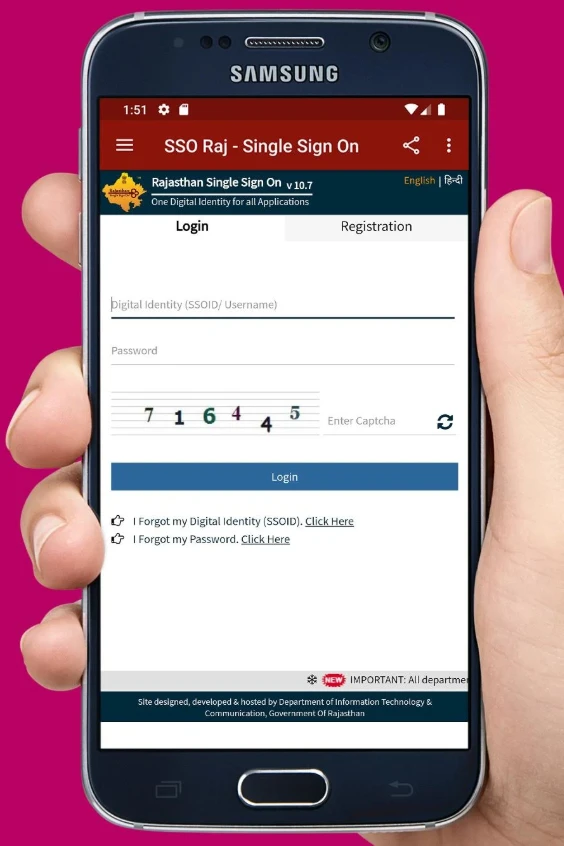
For easy access, the Government of Rajasthan has launched a mobile app called “SSO Raj – Rajasthan SSO App” for Android and iPhone users. Download the app and follow these steps to continue with the registration process.
- Open the app and tap on the Register button from the home screen to begin.
- Choose your user type such as Citizen, Udhyog, or Government Employee, then select a registration method like Jan Aadhaar, BRN, or SIPF and enter the required details.
- Fill in your personal information including your full name, gender, date of birth, mobile number, and email ID.
- You will receive an OTP on your mobile number or email, enter it to verify your identity.
- After verification, create your SSO ID username and set a strong password for your account.
- If you want faster login next time, you can also set up MPIN or enable fingerprint login.
After registering, citizens can apply for government jobs online through the State Recruitment Portal using their SSO ID.
Common Problems & Fixes During Registration
SSO ID OTP Not Received
Didn’t get the OTP? Don’t worry as this is a common issue and you can fix it in a few minutes. Follow these steps:
- Sometimes the OTP takes time to arrive. Don’t click resend again immediately, wait for 1–2 minutes.
- Check you mobile network to ensure your phone has proper signal, as weak network can delay messages.
- Some phones block unknown messages, so open your SMS settings and check blocked and spam messages.
- Verify your number multiple times to make sure you entered the correct mobile number while registering or logging in.
- If you still don’t get the code, then click the Resend OTP button once.
- If site is loading slow or not opening at all then open the portal in Chrome or another browser and try again.
Tip: Use the same mobile number that is linked with your Aadhaar or Jan Aadhaar. This helps avoid OTP issues.
Invalid Document Error
Invalid User Type Selected
SSO Rajasthan Help Desk Info
Frequently Asked Questions
Conclusion
Registering for an SSO ID is the first step to easily access all government services online in Rajasthan. Whether you’re a citizen, business owner, or government employee, the process is quick and simple. Just visit the official website or use the mobile app, follow the above steps, and your SSO ID will be ready in minutes.